No reimplemented harness
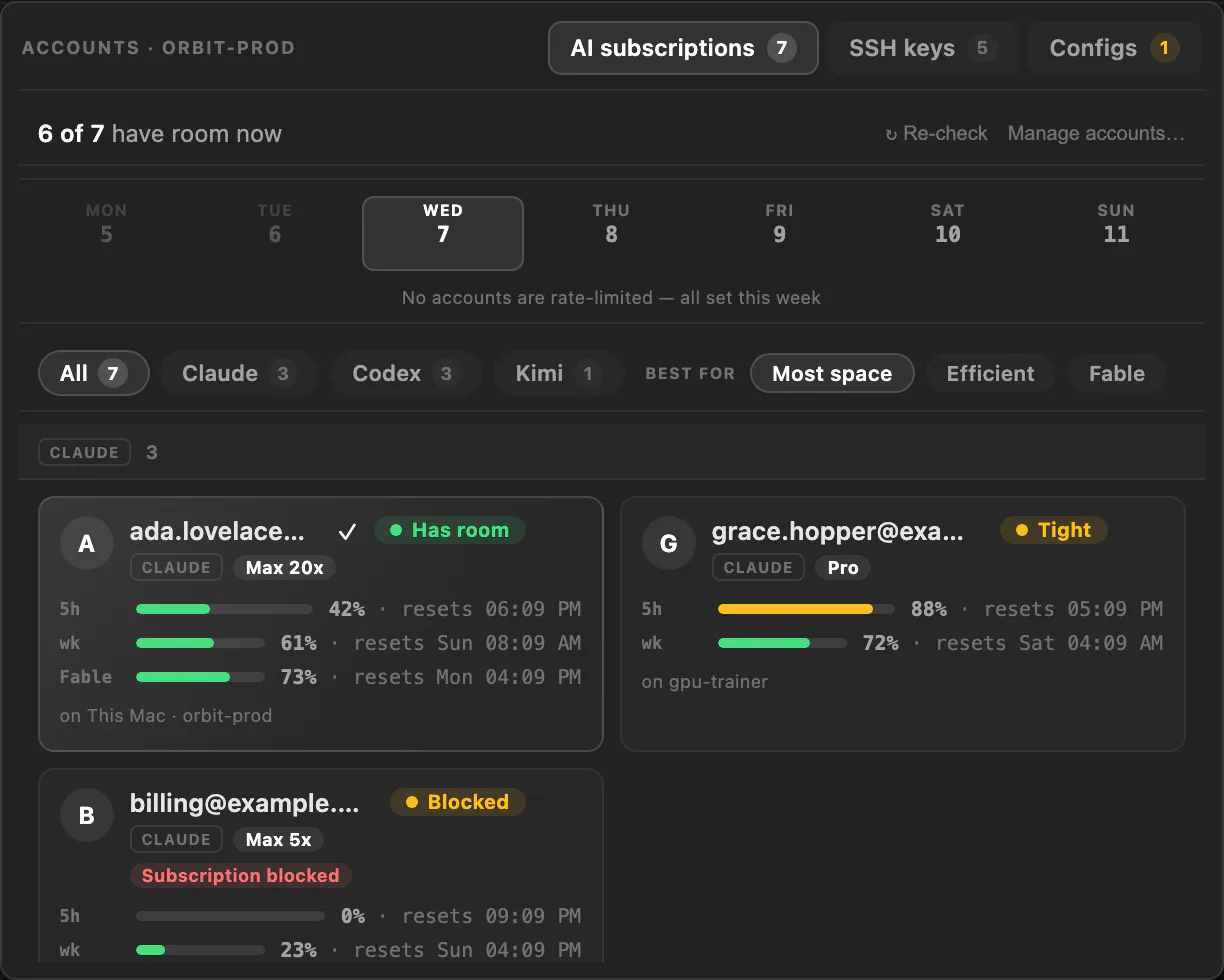
Bring the agent you already run — Claude, Codex, Grok, or any command. Oasis orchestrates it in place instead of locking you into a new one.
Free desktop workspace · macOS + Linux
Oasis is a desktop workspace for managing local and remote servers, persistent terminals, virtual machines, remote displays, browser and Android sessions, networking, collaboration, and AI agents from one app.
Live in your browser
A fully interactive Oasis, running right here — no download. Explore the sidebar, panes, and terminals, or press Play to take the guided tour.
Meta-harness
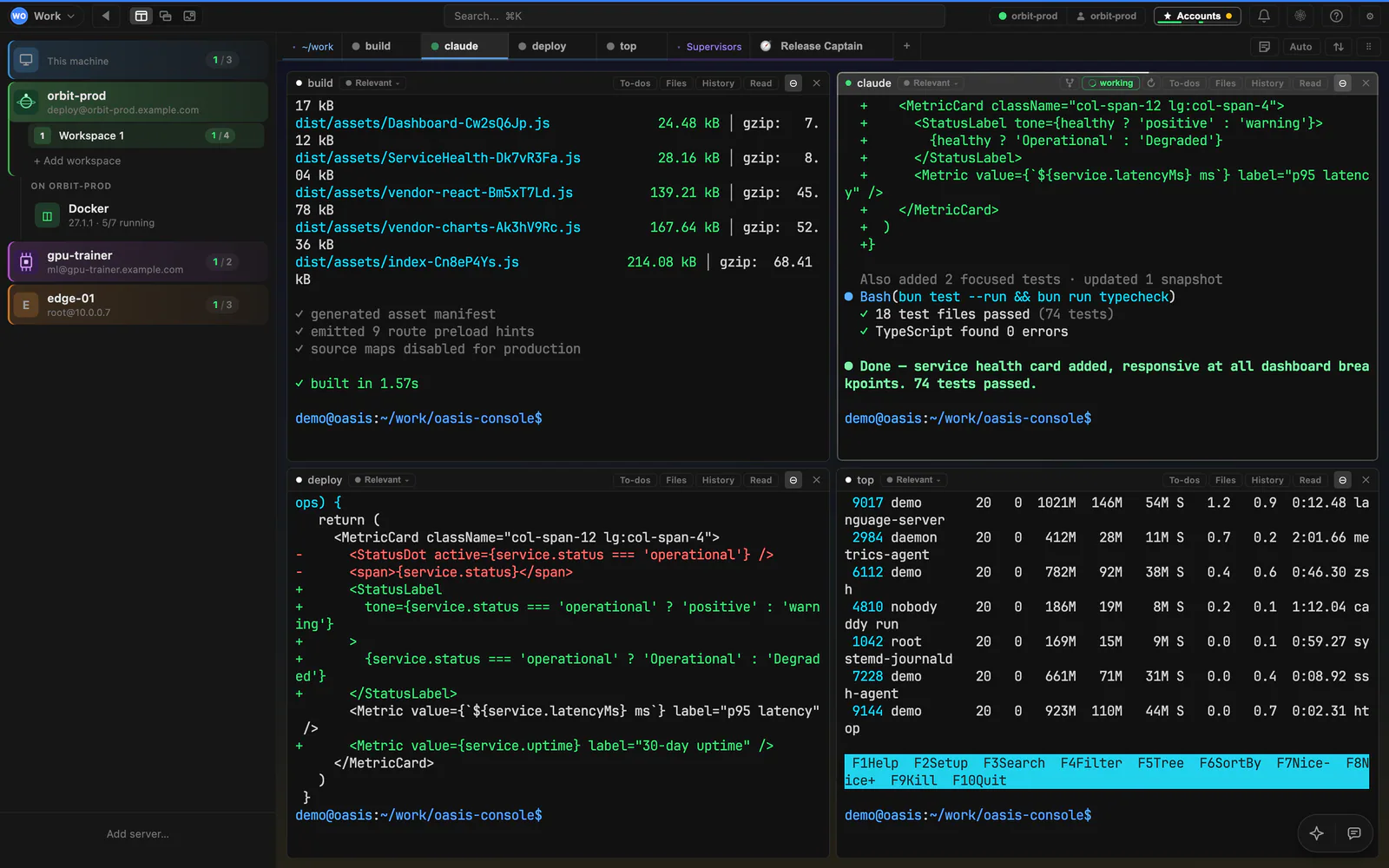
Oasis doesn’t replace Claude, Codex or Grok — it runs them where they already live: plain tmux sessions on your real machines. A powerful server manager and tiling window manager for every session, all composable with each other.
Works with Claude · Codex · Grok · and any agent in a tmux pane
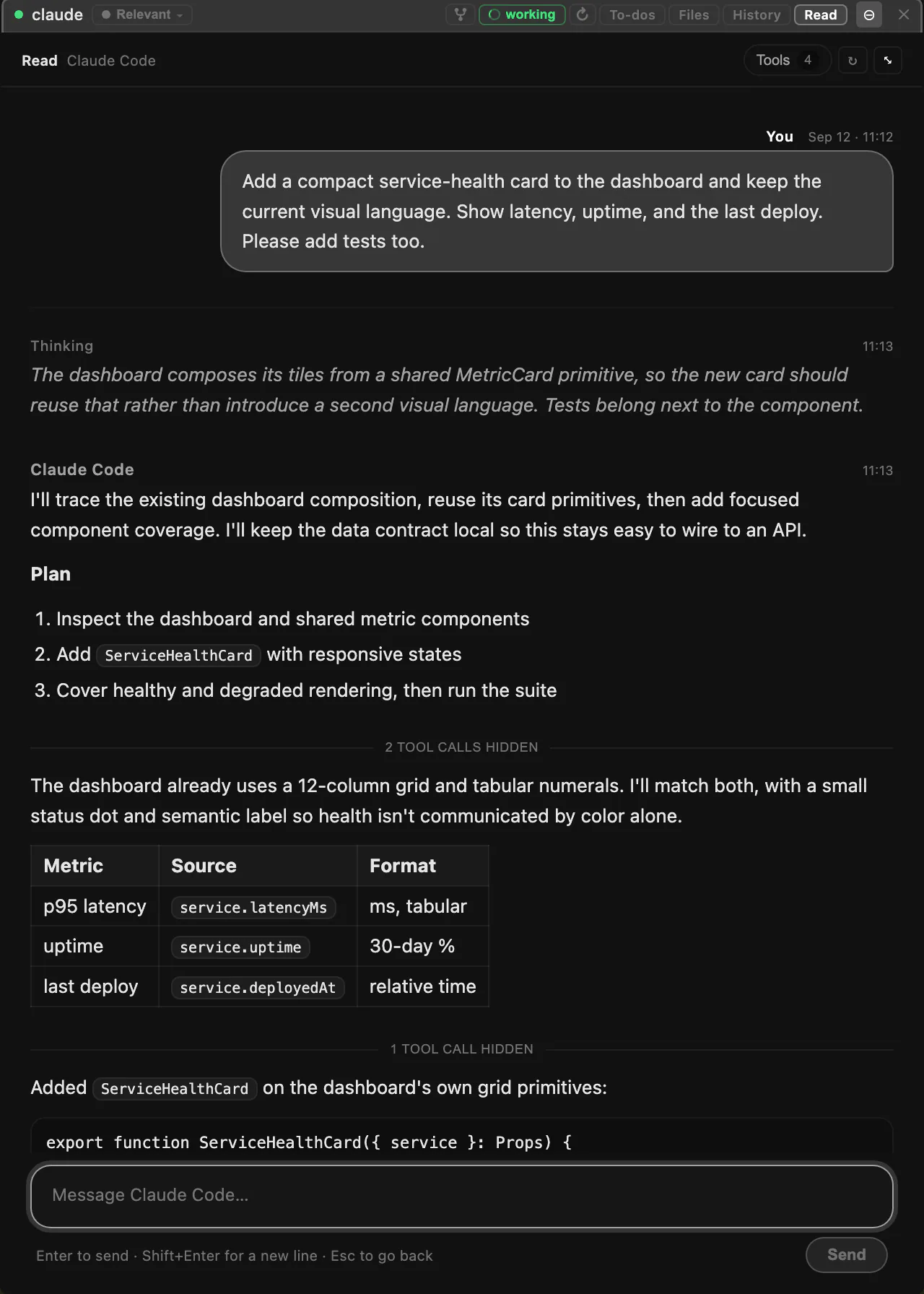
Bring the agent you already run — Claude, Codex, Grok, or any command. Oasis orchestrates it in place instead of locking you into a new one.
Every session is a real remote tmux session. Oasis tiles, groups and manages them like a window manager for your whole fleet of machines.
Terminals, agents, VMs and browsers all compose with each other — arrange and combine them however the work needs.
Sessions aren’t islands: agents prompt each other and keep their own to-do lists, so work hands off cleanly between them.
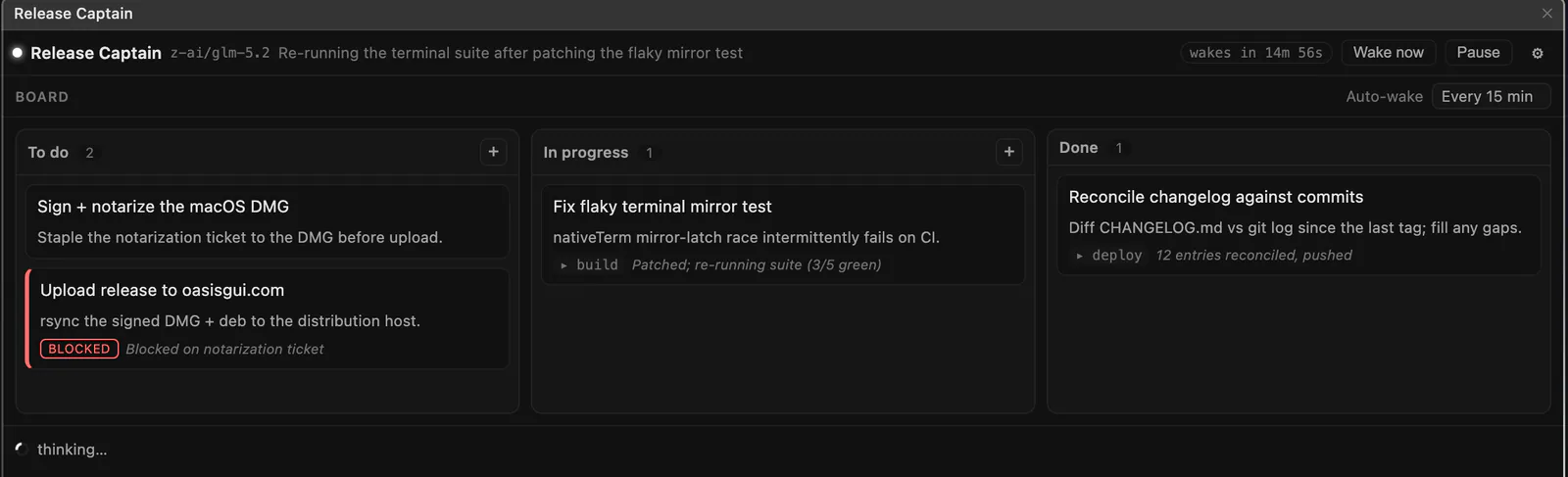
Point a supervisor at a workspace and it watches its agents, prompts them, and drives a kanban board — even while the app is closed.
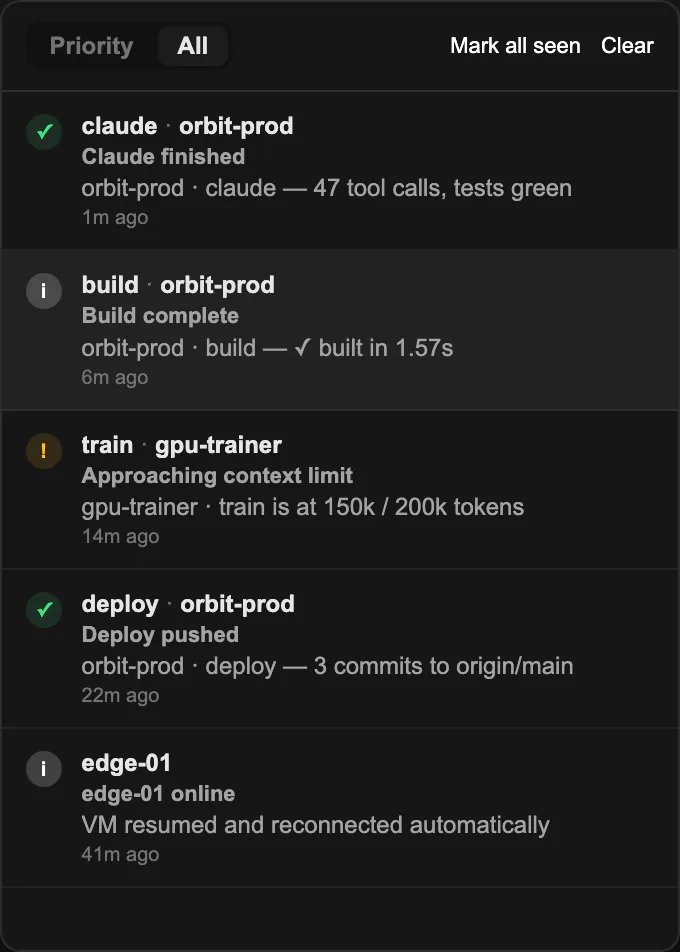
One centralized notification center surfaces exactly where an agent needs you next — and jumps you straight to that session.
One workspace
From a shell to a remote desktop, a VM to an Android device, Oasis keeps the working surfaces of your infrastructure together without flattening what makes each one useful.
Connect to multiple SSH hosts, then create, discover, rename, attach to, and manage persistent local or remote tmux sessions from one desktop.
Terminal panes prefer GPU-accelerated xterm/WebGL with a DOM fallback across macOS and Linux, while macOS also offers an optional native Metal/wgpu renderer with OS font fallback.
After a host reboot, Oasis can recreate registered personal tmux sessions with their names, folders, and workspaces and resume recorded Claude Code or Codex conversations.
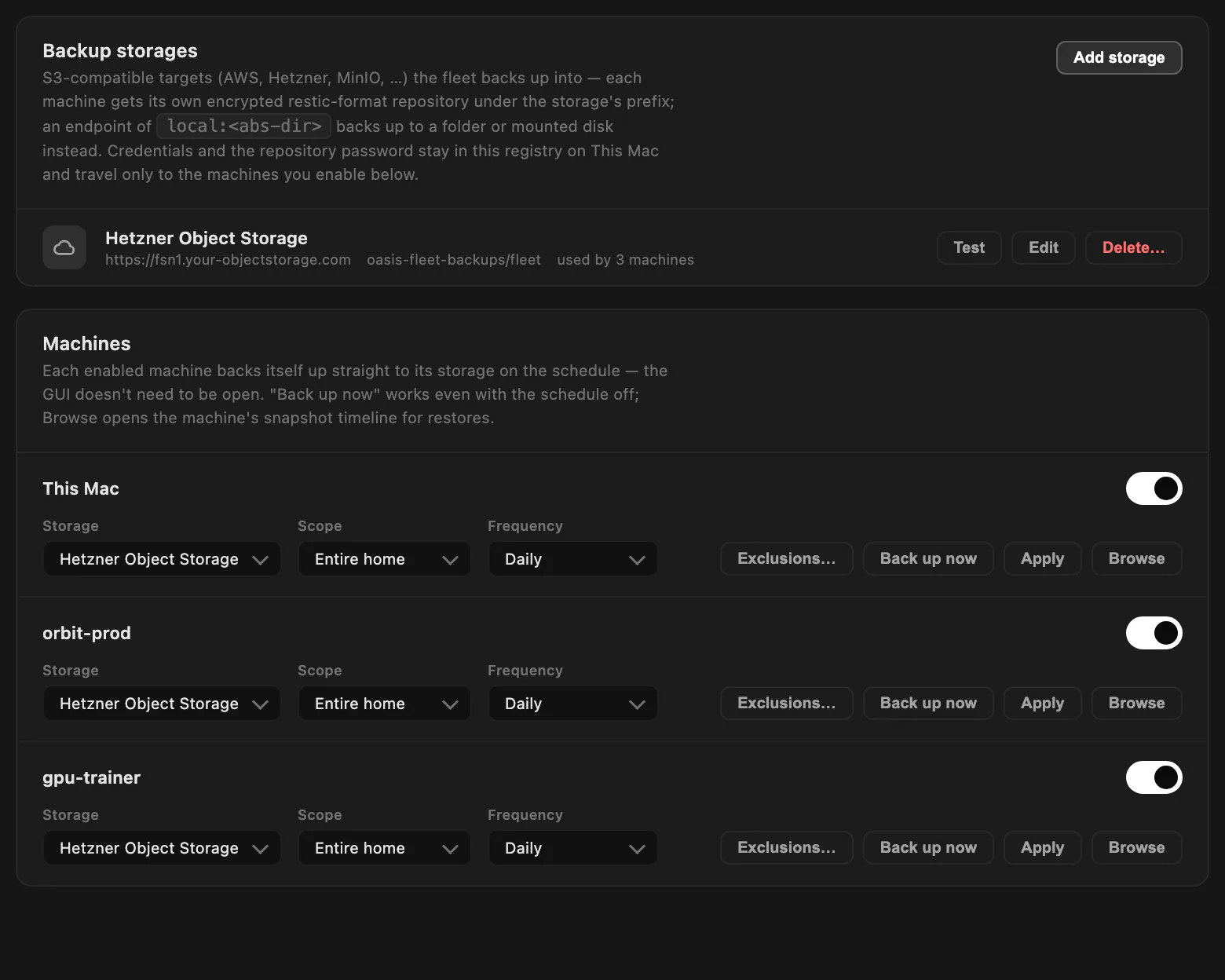
Create and manage Ubuntu VMs on Apple Silicon Macs with macOS 13+ or remote Linux QEMU/KVM hosts, control libvirt domains, and inspect networks, storage, and snapshots.
Discover remote displays on connected hosts and open them inside Oasis through token-protected, localhost-only SSH bridges.
Launch persistent Android sessions on Linux with Redroid or QEMU, stream and control them with scrcpy, or use an auto-managed Linux VM on macOS.
Run persistent Chromium sessions on a local Mac, SSH host, or VM and control them inside Oasis over CDP with reopenable per-session profiles.
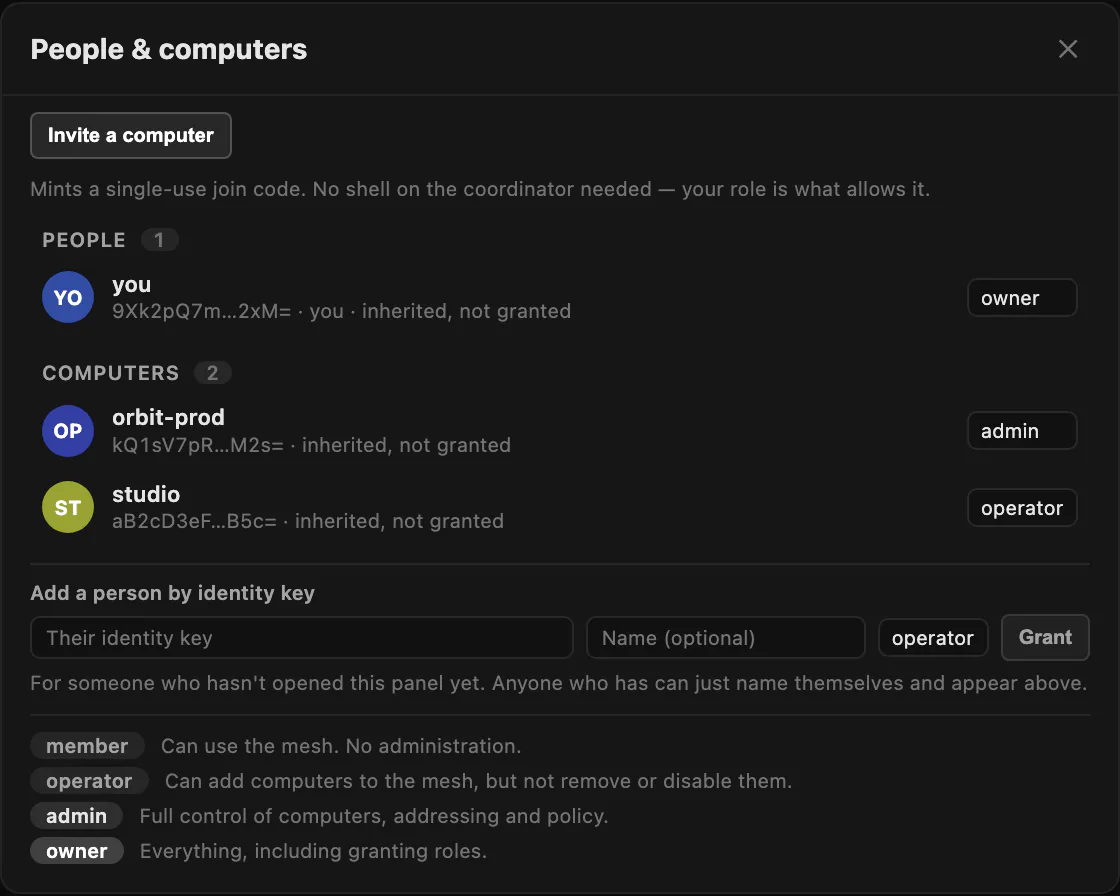
Create or adopt a WireGuard mesh, enroll machines and VMs, control per-node access, relay unreachable peers, and route traffic through a selected exit node.
Give Supervisor a goal and schedule to watch tmux sessions, prompt or spawn Claude and Codex workers, manage a Kanban board, and continue while the GUI is closed.
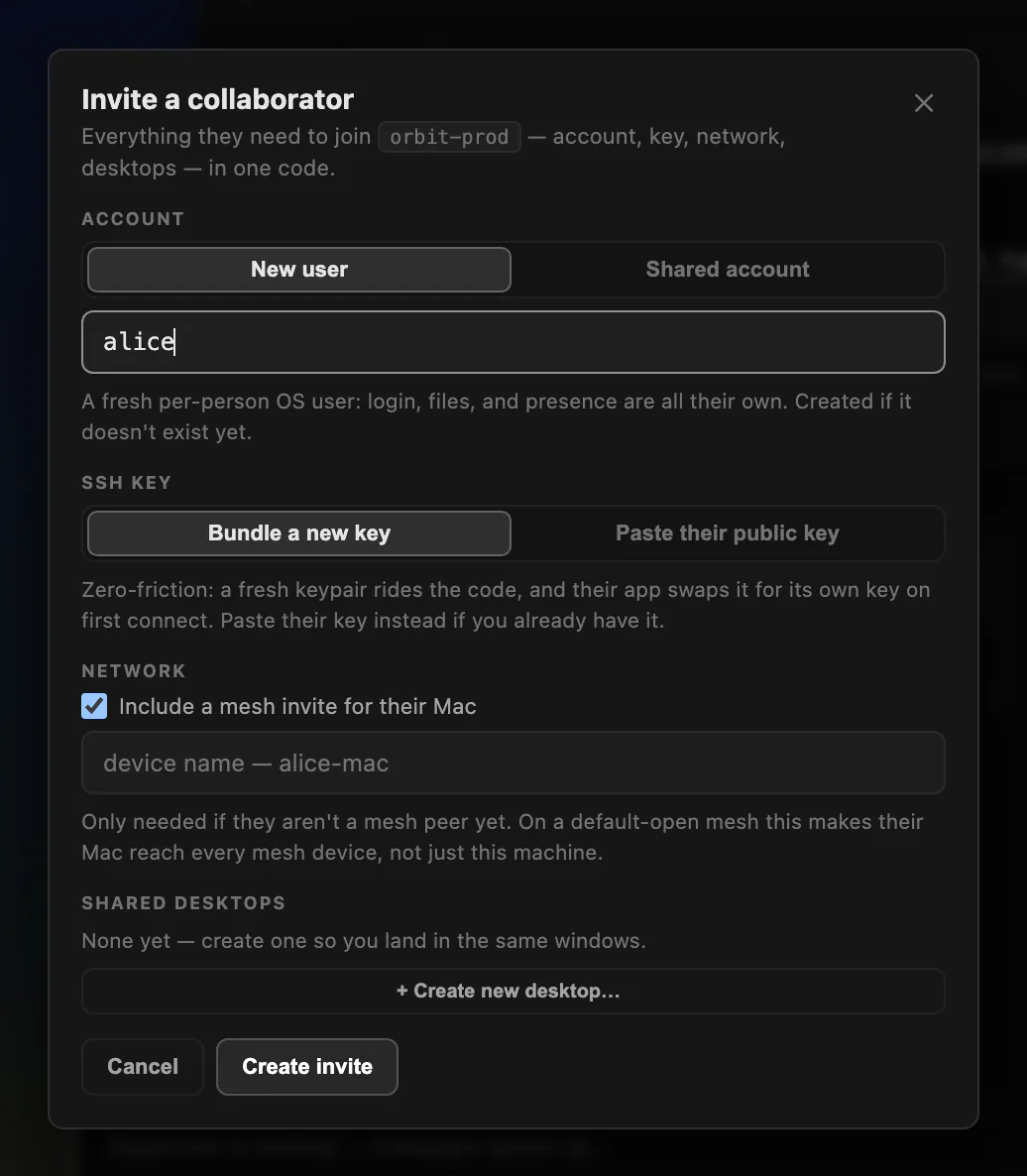
Share a synchronized Linux-hosted desktop and its tmux sessions with invited collaborators, with live presence and OS-backed membership controls.
Collect agent, process, session, connection, Supervisor, and error events in a persistent in-app center with priorities and jump-to-session actions.
Monitor CPU, memory, network, disk I/O, pressure, and GPU history where available while inspecting processes, ports, forwards, firewall exposure, and network state.
AI agent harness
Persistent tmux sessions hold the work. Supervisor can watch them, prompt or spawn Claude and Codex workers, and manage a Kanban board while its runner continues after the Oasis GUI closes.
Security & sovereignty
Security-first and sovereign by design. Every project can run in its own VM, you decide which can reach which, and it’s all shielded by OasisNet — your own WireGuard mesh. No official servers, no accounts, no central authority: just your machines, under your rules.
Give each project its own virtual machine — a clean, separate environment that can’t reach into the others by accident.
Decide exactly which project can talk to which. Access is segmented and fail-closed, enforced at the network layer.
A free, self-hosted alternative to Tailscale: a WireGuard mesh running on your own servers that stitches every machine together, end to end.
No official Oasis servers, no accounts, no sign-in. Nothing phones home — your coordinator is your machine, and the rules are yours.
Free download
Free for macOS and Linux. The Apple Silicon macOS build is Developer ID–signed and Apple-notarized. Oasis checks for updates automatically and installs only after you choose Update & Restart.
Built in Rust
A native desktop app — the engine, GPU terminals, VM host and mesh VPN are all written in Rust. Fast, memory-safe, and light on your machine.
Licensing
Oasis is free for individuals — download it and go. If you’d like to use it at your company or across a team, get in touch and we’ll set you up with a business license.